When something goes wrong with your computers, the first question is simple: is someone already on it? Most small offices find out by calling and waiting. Our client portal answers that question before you pick up the phone, and our AI assistant answers the next ones, by chat or by phone.
Here is what an IT client portal should show you, and how ours works for the offices, libraries and tax firms we support.
What an IT client portal should do
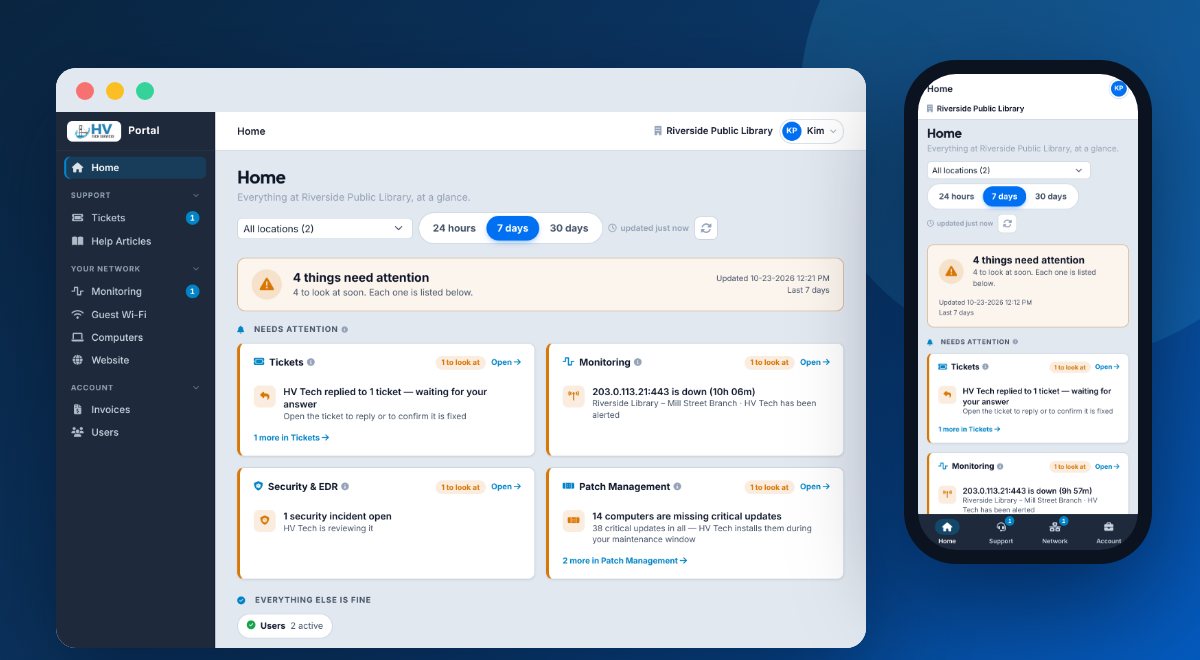
A good portal is not a wall of alerts. It tells you whether all is well and shows only what needs you. Ours opens on Home: one line that says whether everything is fine, then the things that need attention, worst first. Pick a location and look back 24 hours, 7 days or 30 days. Each tile opens its own page.
Tickets you can follow from start to finish
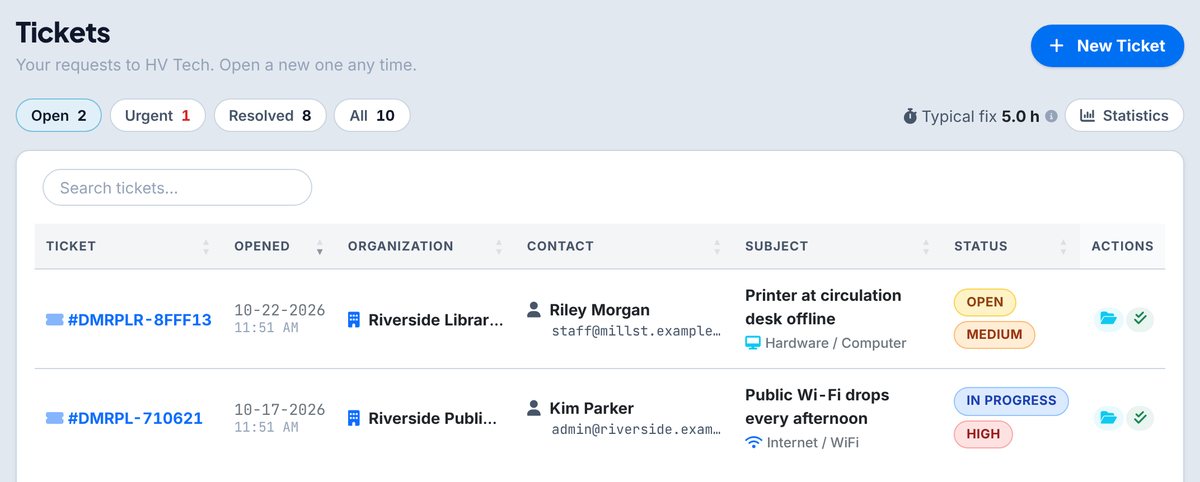
Open a ticket in a minute, add details or a file, and see every reply from our team. You get an email at each step, too. One-click filters show what is open, urgent and resolved, and the page shows the typical time to fix.
Security and updates for every computer
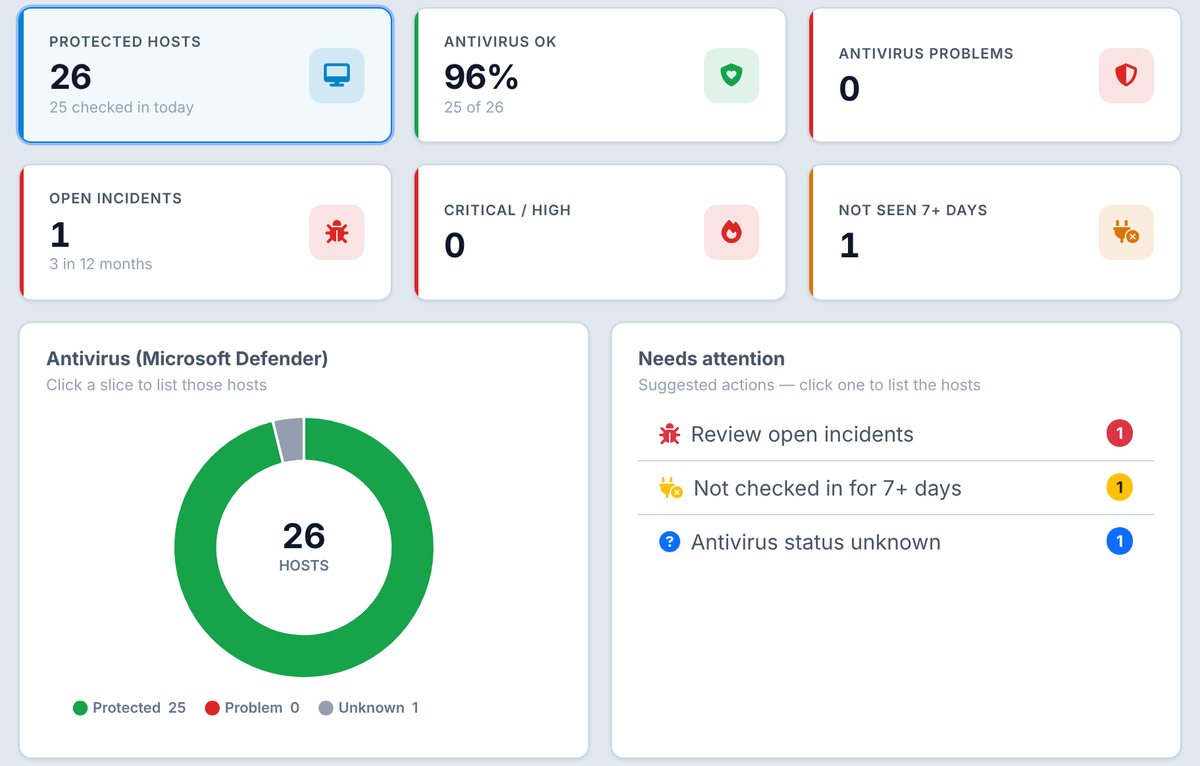
Under Computers, Security & EDR shows each computer's protection and any open security incident, with what we are doing about it. Patch Management shows which computers are up to date, which updates are waiting and which need a restart. We install updates during your maintenance window, so nobody in your office has to chase them.
Your network, website and invoices in one place
- Monitoring: your internet lines and key devices are checked every 5 minutes, with uptime and outage history. Turn on email alerts for the ones you care about.
- Guest Wi-Fi: how your guest network is used, with a printable report.
- Website visitors: visits, top pages and the sites that sent people to you.
- Web filtering: how many dangerous sites were blocked before anyone reached them.
- Invoices: view and pay invoices, and upload a sales-tax exemption certificate.
- Email reports: weekly, monthly or yearly summaries, sent to you.
Office managers can add and remove the people who sign in. Everyone gets Help Articles: searchable how-to guides you can print or save as a PDF. What you see depends on the services you have with us.
Works on your phone, nothing to install
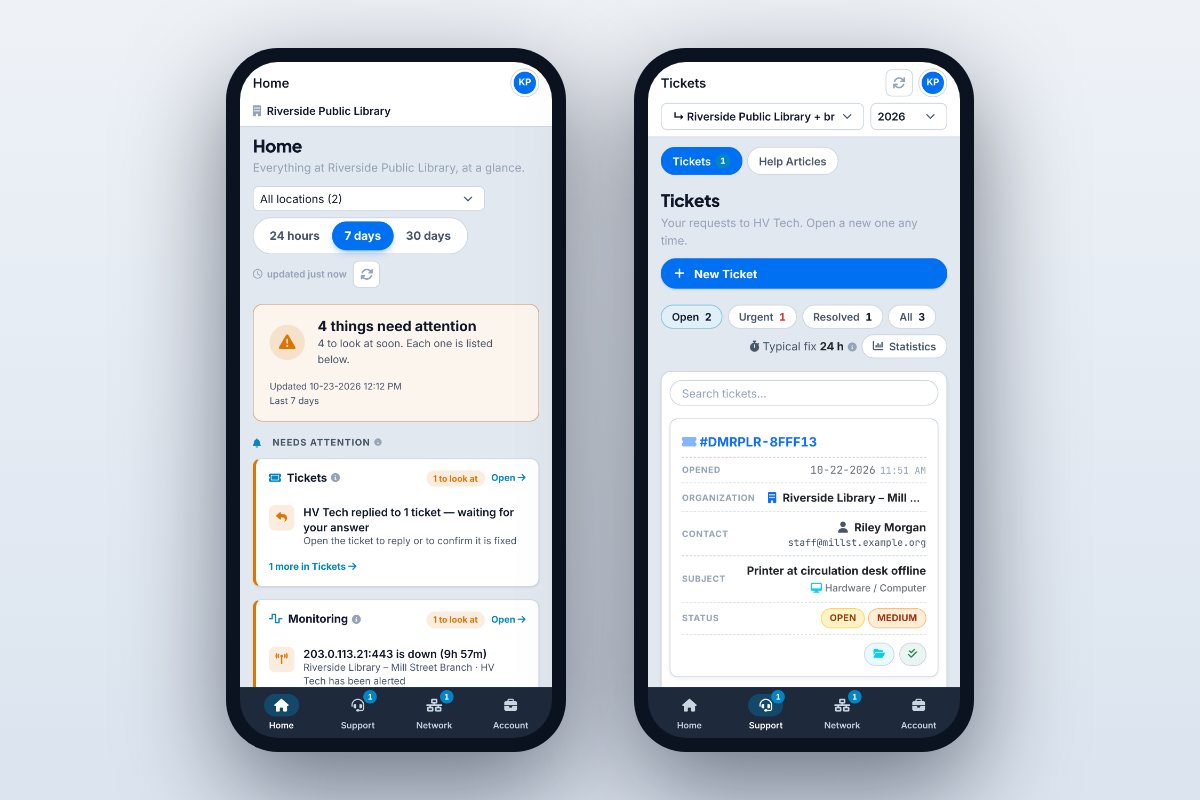
On a phone, the menu becomes a tab bar at the bottom of the screen. Sign in with your work email, or with the Microsoft or Google button if your organization uses one. Pick a color theme: Classic Light, Midnight Dark, Corporate Navy, or High Contrast for easier reading.
Meet the HV Tech Assistant: AI chat support in the portal
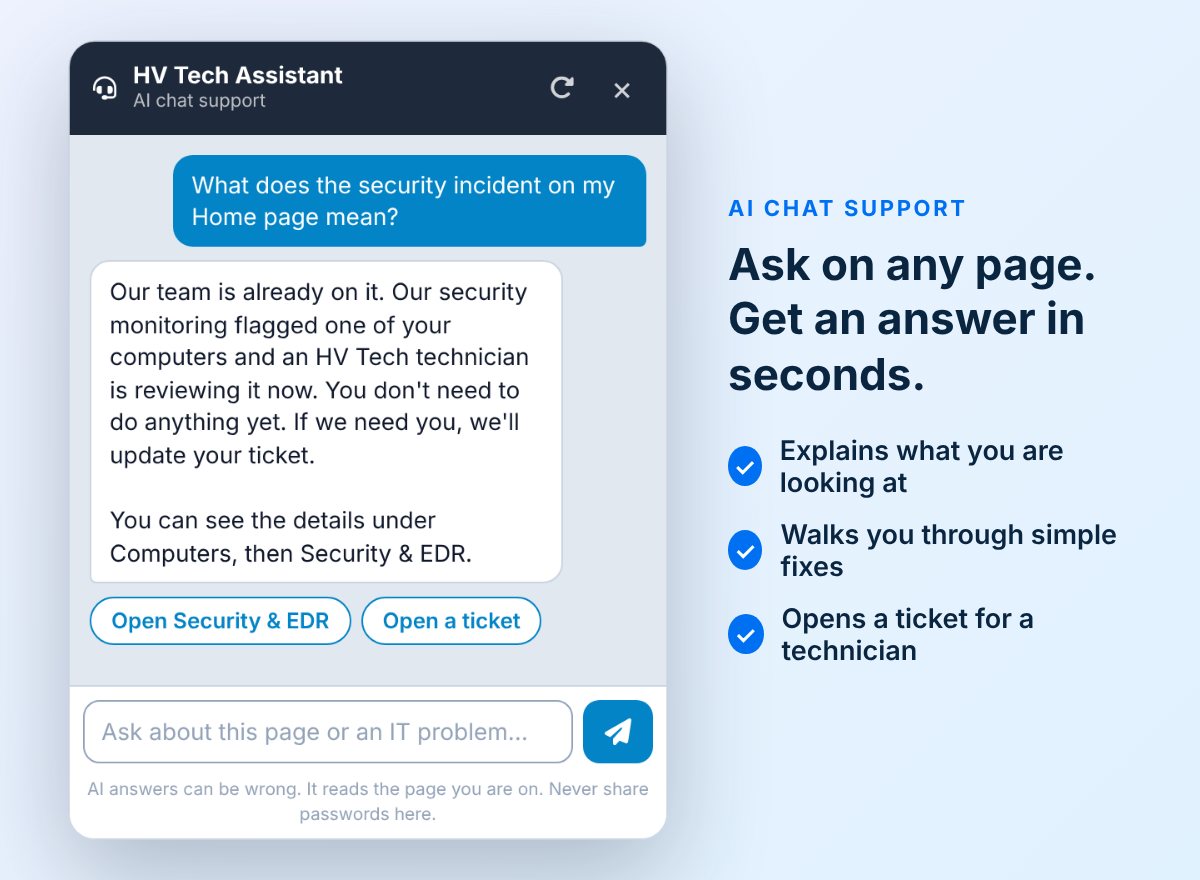
Click the round chat button in the bottom-right corner of any portal page. The assistant:
- explains the page you are on, in plain words;
- walks you through safe, simple fixes, such as a restart, a cable check or rejoining Wi-Fi, starting with our own Help Articles;
- can look at your own computer's updates and security status, and your own desk phone, before it suggests anything;
- knows about outages we are already working on, so you never report the same problem twice;
- opens a ticket for a technician, with the details filled in, when a person needs to step in.
It always says it is an AI. It never asks for your sign-in details and never shows you anyone else's information. A technician can join the chat live, and a person follows up on every ticket.
An AI receptionist for our support line
We are a small team that spends the day fixing things, not waiting by the phone. So an AI assistant answers our support calls. It says it is an AI, recognizes clients by the number they call from, and files the call as a ticket, reading the ticket number back to you. If you called about the same problem in the last week, it picks up where you left off.
Urgent problems, such as a whole office down or a security incident, alert a technician right away, and clients are offered a transfer. For an everyday computer, printer, email or Wi-Fi problem, it can talk a client through a few safe steps while the ticket is on its way. New callers can ask about our services and book a call at a time that suits them.
The chat on our website's home, Support and Get Help pages does the same for visitors: ask a question, open a ticket or book a call.
How we keep the AI honest
- The assistants answer from our own Help Articles and website first, and never send you to outside forums for a fix.
- They never give out credentials, other people's details or how our systems are set up.
- Every week we review a sample of conversations, starting with the ones that got a thumbs down, and fix what could be better.
See the portal for yourself
Already a client? Sign in to your client portal and click the chat button to say hello. Looking for an IT provider that shows you what it is doing? See our managed IT services and business VoIP phone systems, and ask us for a tour.